
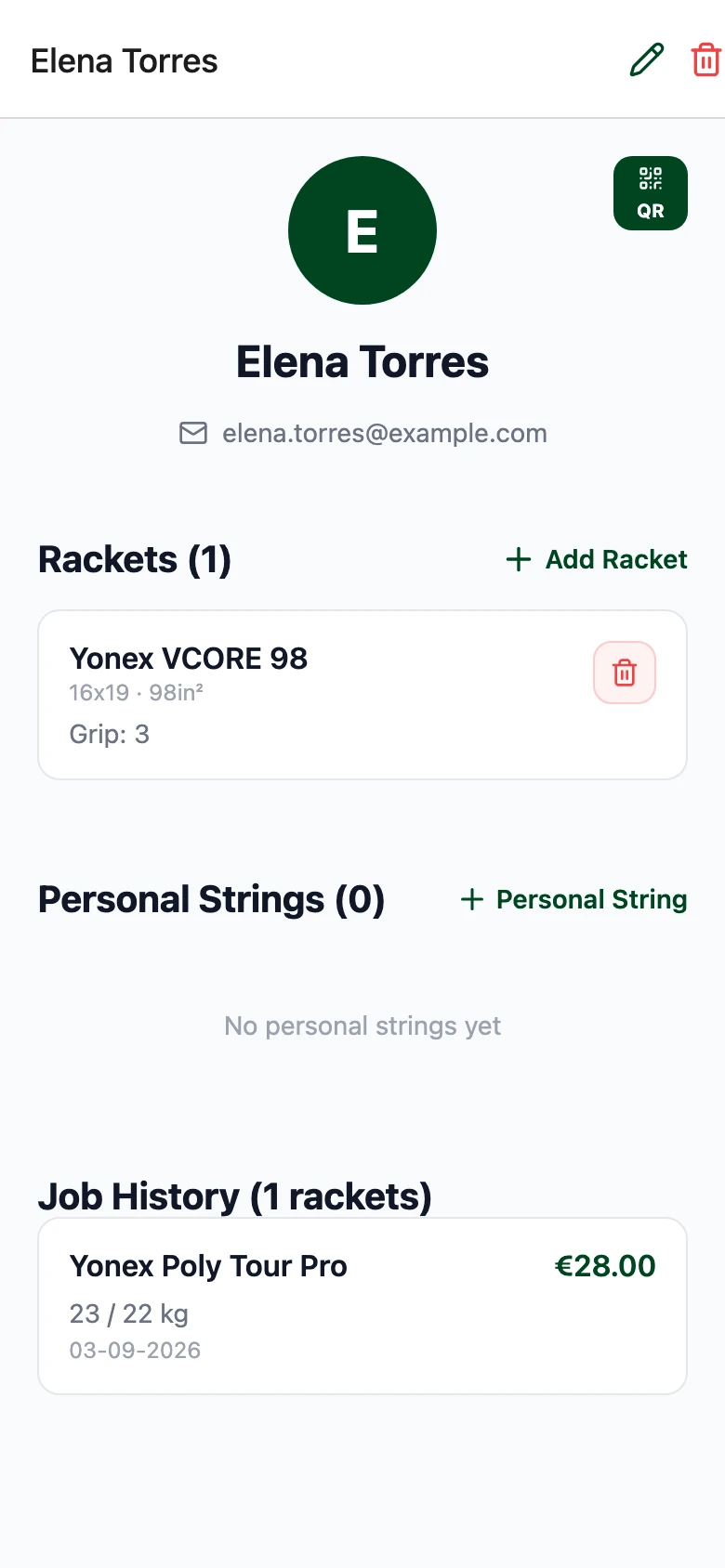
Find the setup they liked.
Open their customer history to check rackets, strings and tensions before creating the next job.
For tennis shops & club pro shops
Keep customer setups, job assignments, string stock and outstanding work in one workspace. Give the next person at the counter the details they need.
Shop €28.99/month · 3 venues · multi-stringer workflow
Eligible new subscribers can start a 14-day trial in the iOS or Android app. Store price and terms apply.
A quick product walkthrough
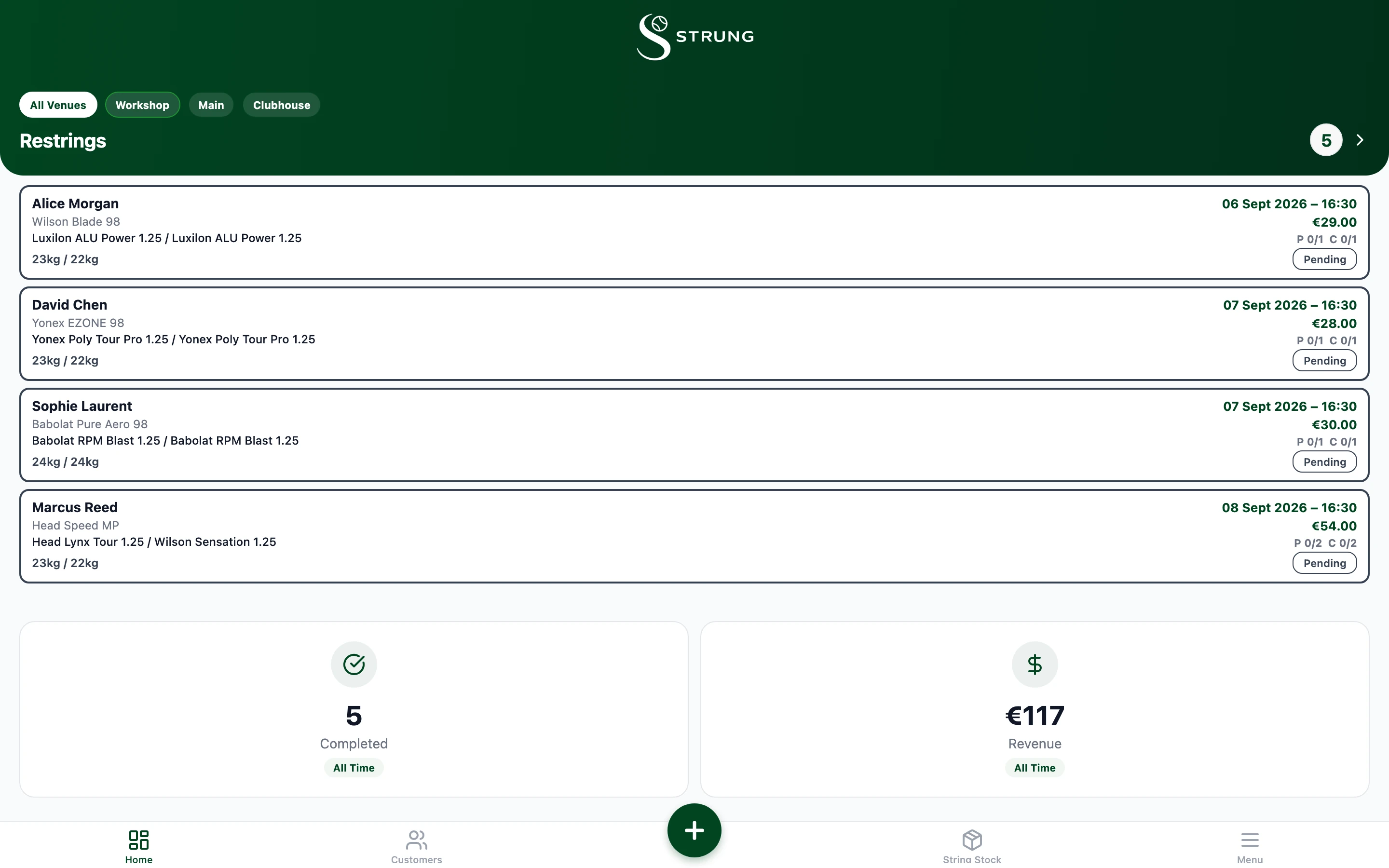
Start with the customer. Keep the handover clear. Finish with a view of what still needs attention.
Open their customer history to check rackets, strings and tensions before creating the next job.
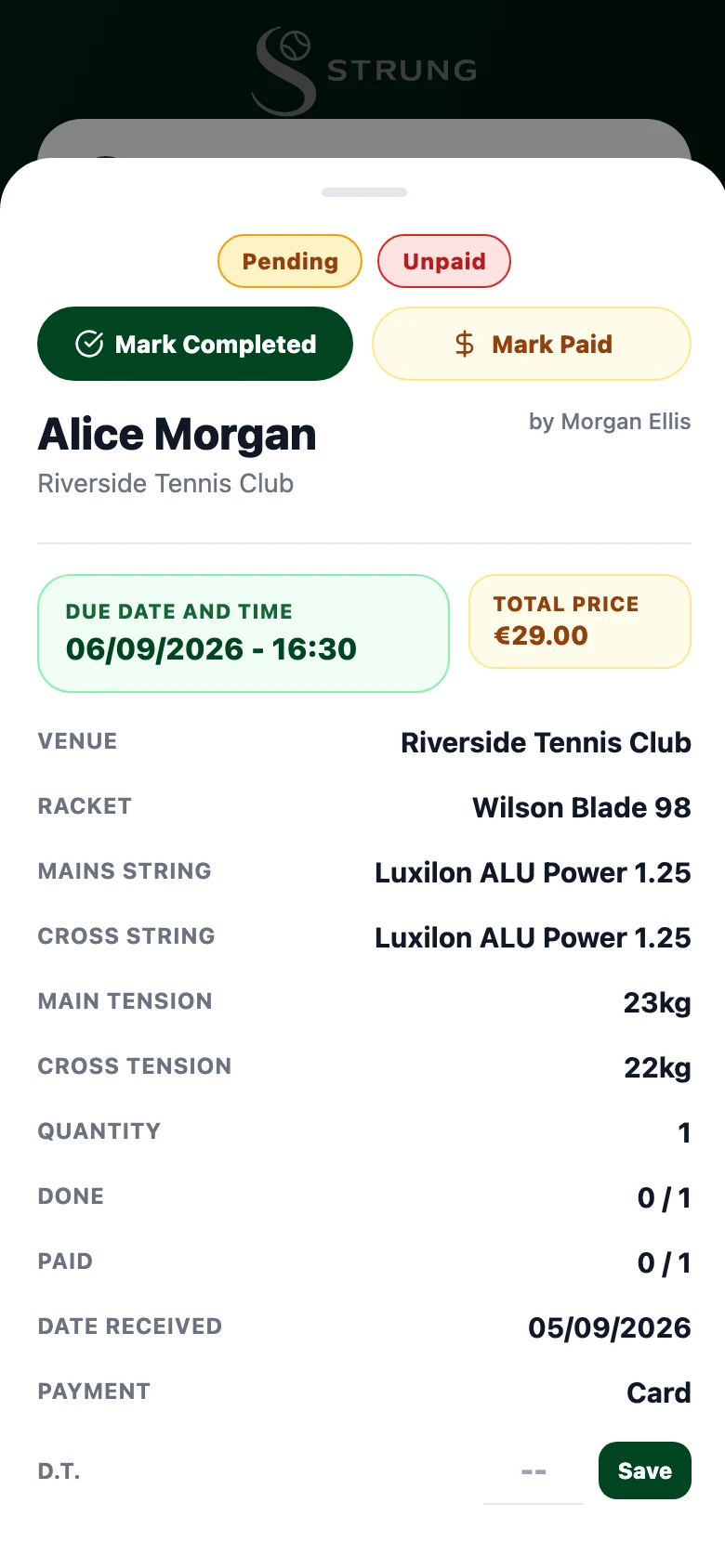
Use the assigned stringer, due time and job status so the next person can see what is needed.
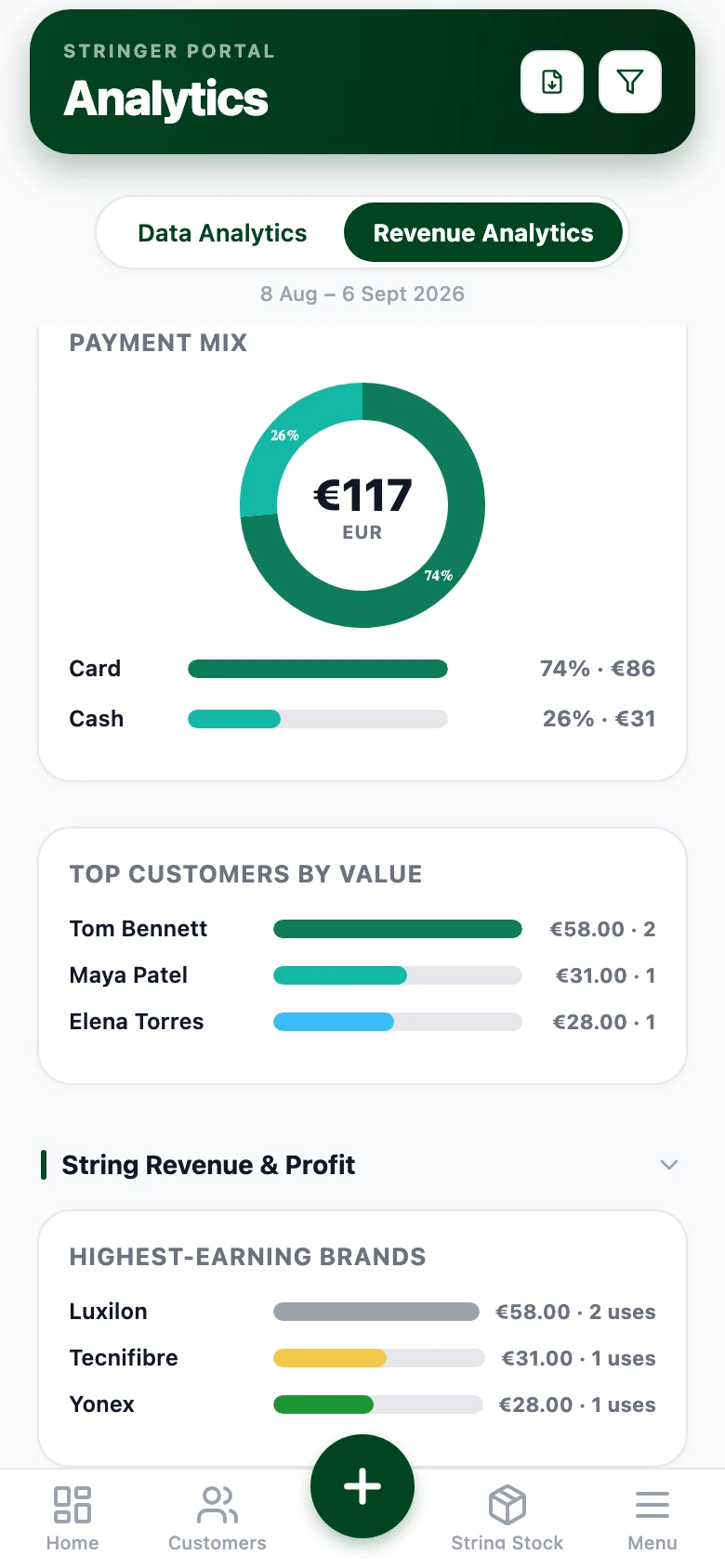
Review outstanding work and payments, then use analytics to understand the day’s activity.
STRUNG Shop
€28.99 / month
Unlimited jobs, customers and saved rackets. Three venues. Multi-stringer workflow.
Optional expert help
Get your shop started with expert help.
Book a personal setup session for you and your team. We’ll help configure your STRUNG workspace, walk through your daily workflow and answer your setup questions.
€99 one-off · 60-minute live session · follow-up checklist
Optional. Your Shop subscription is purchased separately.
Request a Shop Setup SessionAn enquiry, not a confirmed appointment or payment. We’ll agree a time and confirm the total before you book.
Bulk data preparation, migration, additional training, custom development and extensive hardware troubleshooting are not included.
Normal product support remains separate from paid setup. You can start and use STRUNG without booking a session.
Before you start
Create a Stringer account, set up your workspace and work through your first customer, racket and job. Our getting-started guide gives you a practical sequence. Paid setup is optional.
Use the iOS or Android app, or the web app on a computer. The desktop workspace is useful at the counter and for printing.
Shop includes multiple stringer records, job assignment and payouts. It is a shared business workflow; do not assume each staff record creates a separate login or organisation administrator. We can discuss your account-access requirements in a demo.
Shop includes printing tools. Check your printer, media size and device workflow before relying on them in service. Hardware troubleshooting beyond the setup walkthrough needs separate scoping.
You can add customers and rackets in STRUNG. If you have existing files, tell us their format and size before agreeing any import or migration work. Bulk preparation and migration are not included in the €99 session.
Email info@strungapp.com for product support. The optional paid session is guided setup and training, not a prerequisite for receiving normal support.
Eligible new subscribers can start a 14-day Pro or Shop trial inside the iOS or Android app. Check eligibility, local pricing and renewal terms in the store purchase screen. The web app does not offer subscription checkout.
Start with the app. Add guided setup only if you want a helping hand.